
How to Turn Meeting Notes Into an Action Tracker
Photo via Pexels Use a simple meeting action log to give each task an owner, a deadline and a clear definition of done.
Read guide →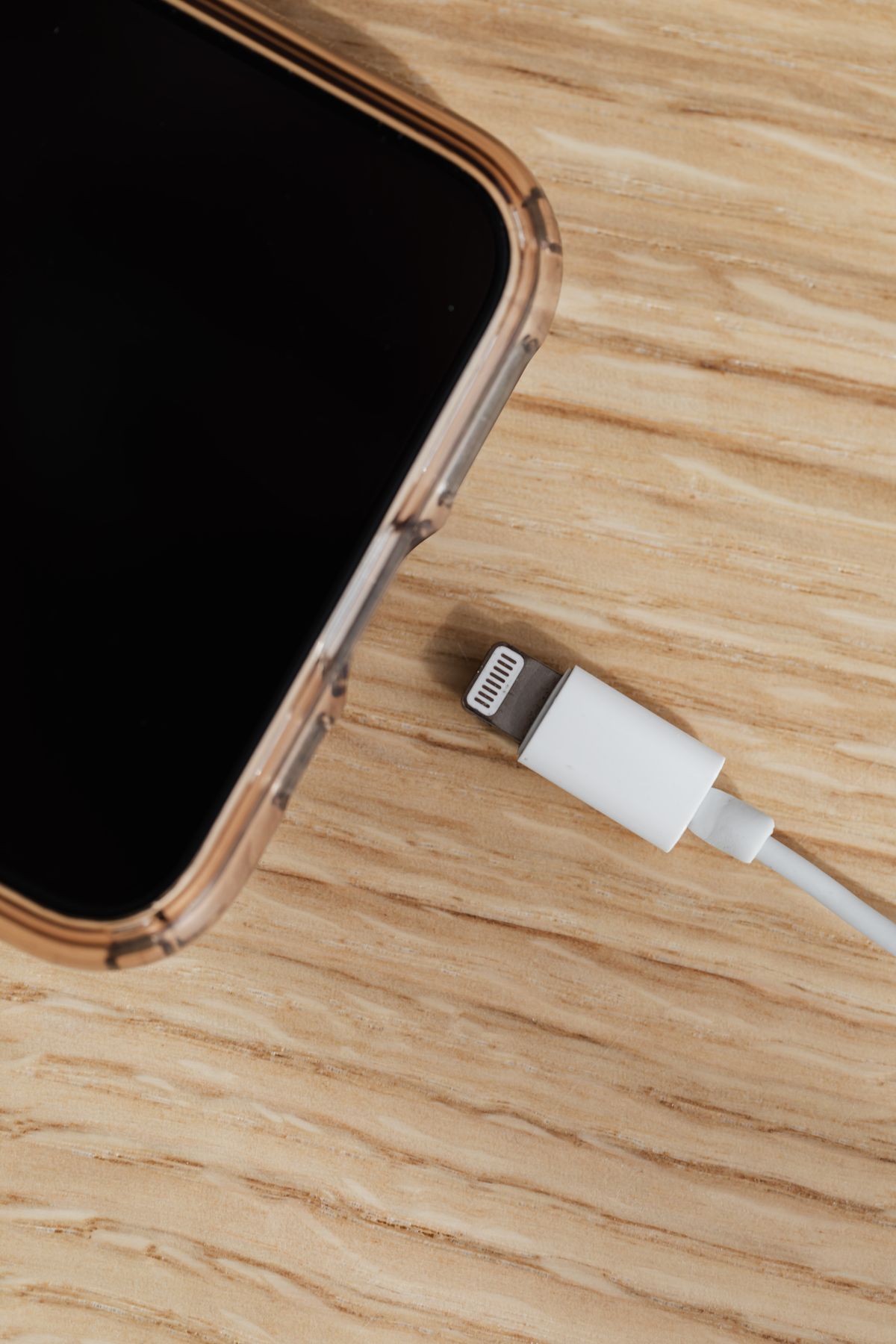
How to Check a USB-C Cable Before Using It for File Transfer
Photo via Pexels Troubleshoot a USB-C cable that charges your phone but fails to transfer files to a computer.
Read guide →
How to Prepare for a Video Interview With a Ten-Minute Rehearsal
Photo via Pexels Check your microphone, lighting and backup plan with a short rehearsal before a remote job interview.
Read guide →
How to Create a File Naming System a Small Team Can Follow
Photo via Pexels Create a file naming convention that makes project documents easier to sort, identify and hand over.
Read guide →
How to Build an Excel Attendance Tracker That Flags Missing Entries
Photo via Pexels You open the attendance sheet on Friday and see three blank cells. Did those learners miss class, or did someone forget to...
Read guide →
How to Design a Digital Lesson for Students With Limited Internet
Photo via Pexels Create an online lesson that students can open on a phone, complete offline and submit through one clear route.
Read guide →
How to Build a Reusable Feedback Bank for Student Assignments
Photo via Pexels Write feedback that gives every learner a next step while reducing the time spent repeating the same comments.
Read guide →
How to Build a Gradebook in Excel With Weighted Scores
Photo via Pexels Combine scores from quizzes, assignments and exams even when each assessment uses a different number of points.
Read guide →
How to Find Duplicate Records in Excel With COUNTIF and COUNTIFS
Photo via Pexels Two people can have the same name. One customer can have two orders on the same day. Before cleaning a spreadsheet, decide...
Read guide →
How to Make an Excel Assignment Tracker That Shows What’s Overdue
Photo via Pexels When a deadline passes, an ordinary task list still looks the same. An assignment tracker can do more: show what to work o...
Read guide →
How to Design Clear Classroom Visuals with Canva
An attractive classroom poster is useful only when students can understand it. A page full of tiny writing, decorative icons, and bright c...
Read guide →
Google Docs vs Microsoft Word: Which Should You Use?
Google Docs and Microsoft Word can both create professional documents. The more useful question is not which brand is “best,” but which to...
Read guide →
How to Reduce PDF File Size Without Blurry Text
A PDF that looks perfect on your computer may be too large to email, upload to a job portal, or share over a slow connection. Compressing ...
Read guide →
Passkeys vs Two-Step Verification: A Beginner’s Guide
When a website asks for a password, a code, or a fingerprint, it is using different methods to decide whether you should be allowed into a...
Read guide →
How to Research with AI Without Trusting Invented Sources
Artificial intelligence can help you brainstorm research questions, explain unfamiliar terminology, and organize notes. Yet a convincing p...
Read guide →
How to Reduce Android Mobile Data Usage
Mobile data can disappear faster than expected. A short video, a cloud photo upload, or an app updating in the background may use more dat...
Read guide →
How to Track Small-Shop Inventory with Google Sheets
A small shop does not always need expensive inventory software. A carefully designed spreadsheet can answer three daily questions: What is...
Read guide →
How to Back Up Android Photos, Files and Contacts Safely
A phone can be replaced; the only copy of a family photograph, a contact list, or a business document may not be replaceable. Backups make...
Read guide →
How to Create Accessible Digital Learning Materials
A beautifully designed worksheet can still be difficult to use. A student with low vision may struggle with pale text; a learner using a s...
Read guide →
How to Build a Digital Portfolio with Google Sites
A résumé tells an employer what you have done. A digital portfolio shows the evidence. If you are a teacher, student, designer, administra...
Read guide →
How to Organize Files and Folders in Google Drive
Quick start: Start with one folder for active work and one archive. Give files predictable names, review who can open shared folders, and ...
Read guide →